

Online Self-booking User Guide
Home > Online Self-booking User Guide > Drop In
Drop In Reservation
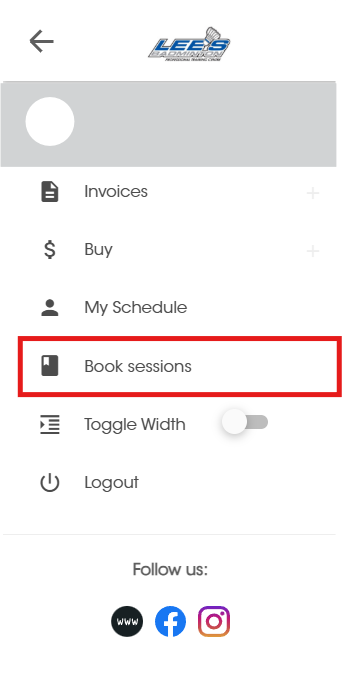
Click Book sessions
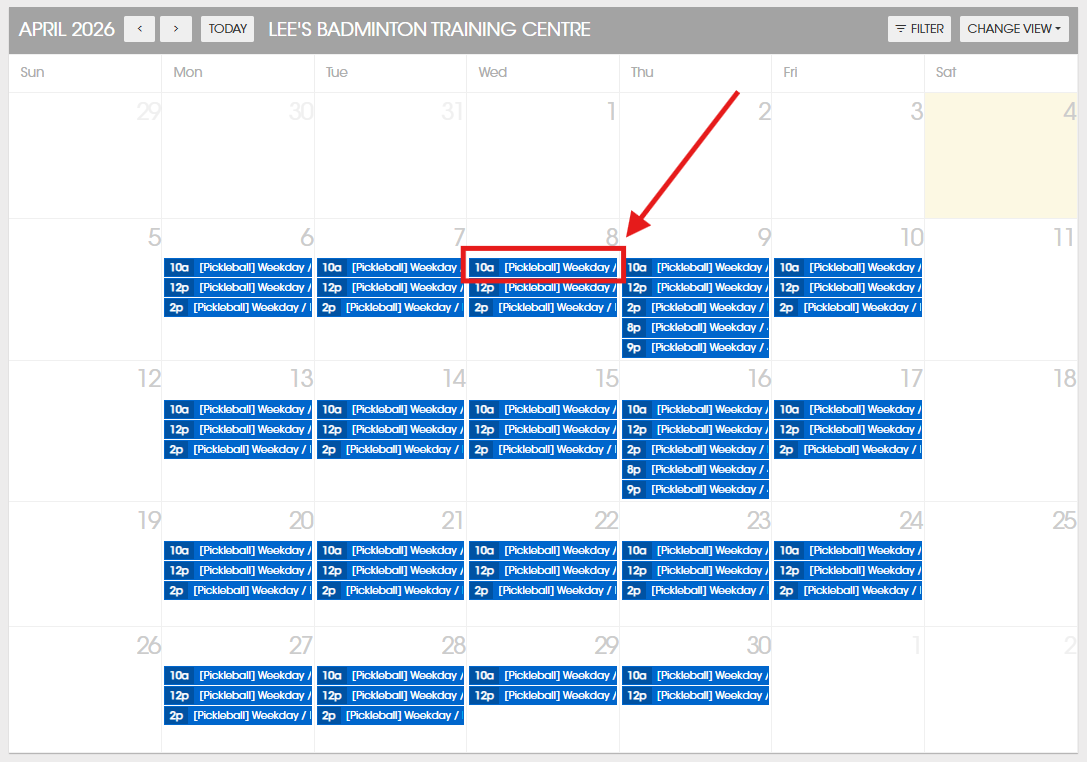
Click on the session you would like to join.
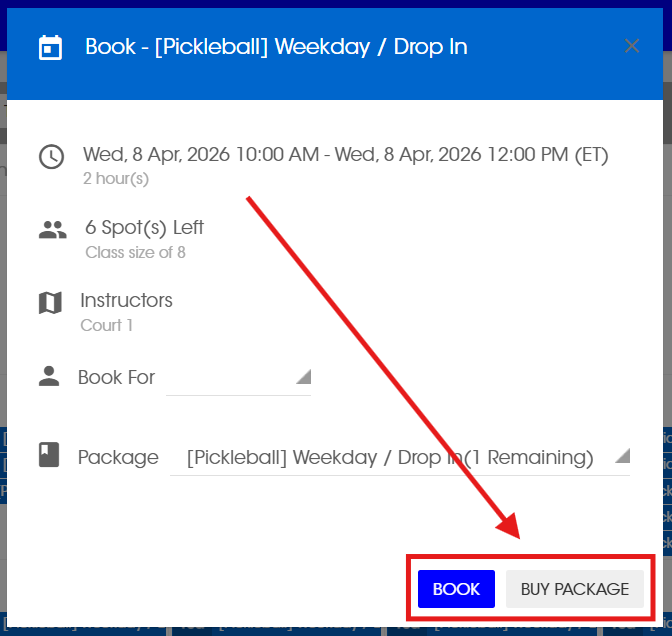
Click Buy package (1st time booking) OR Book
Select Buy based on your membership status.
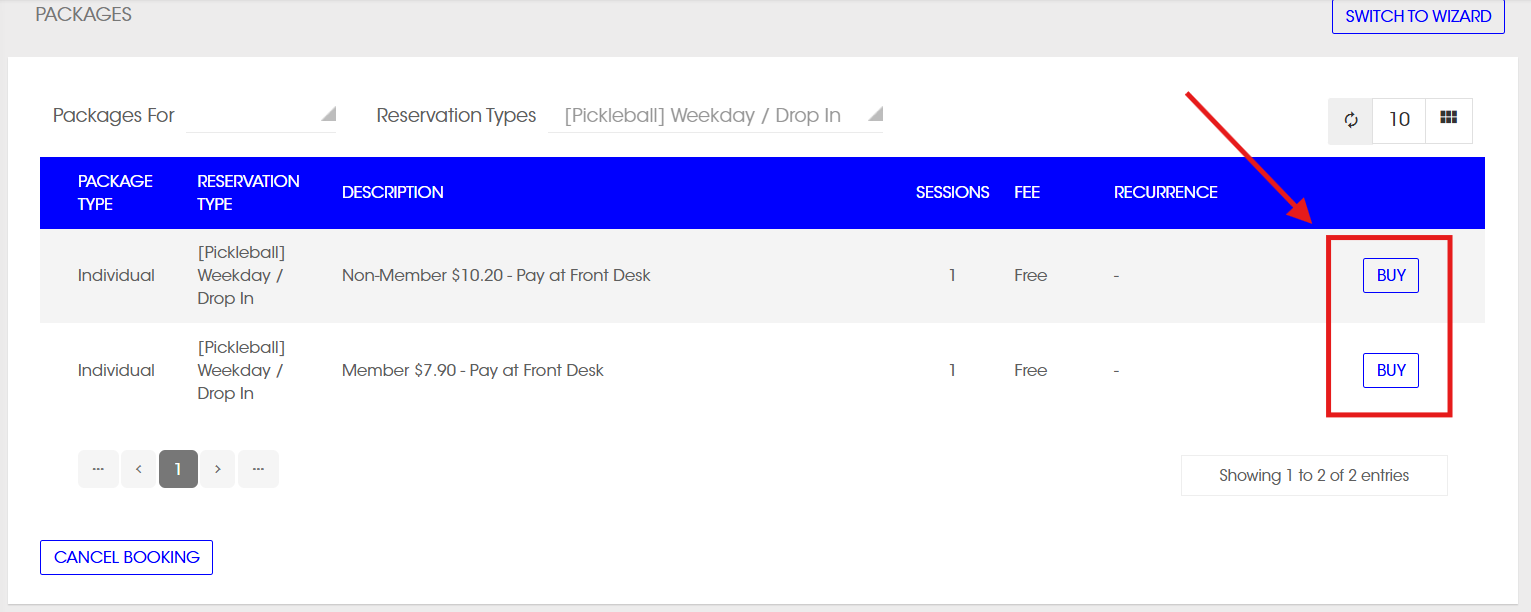
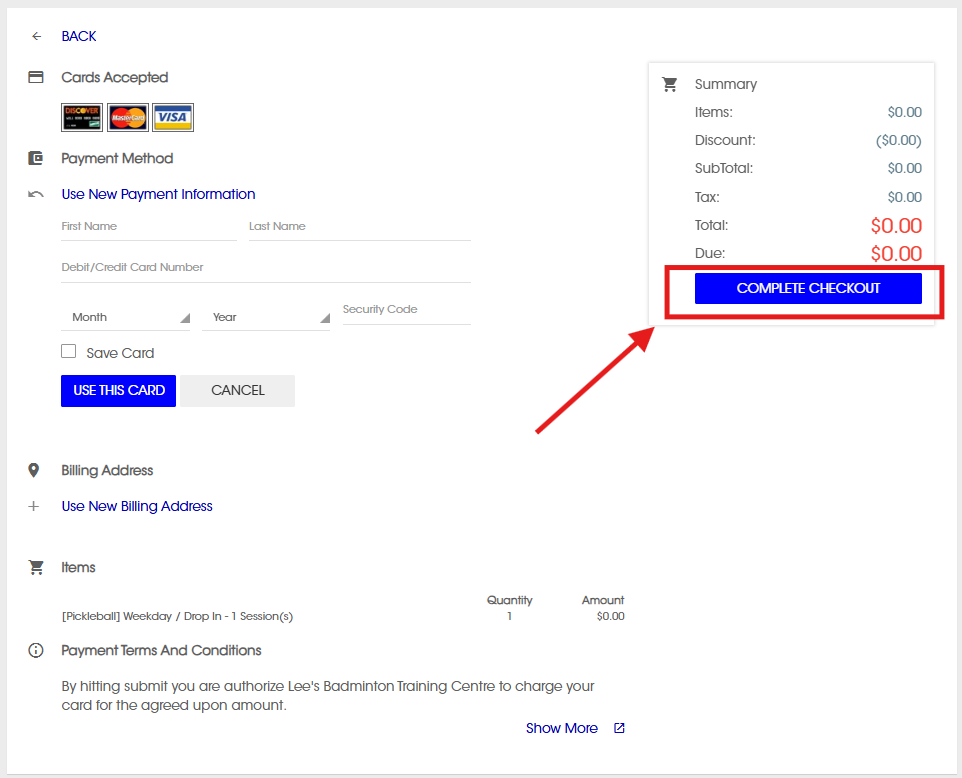
You don’t need to provide credit card information for a drop-in reservation. The fee will be collected at the front desk.
Click Complete Checkout
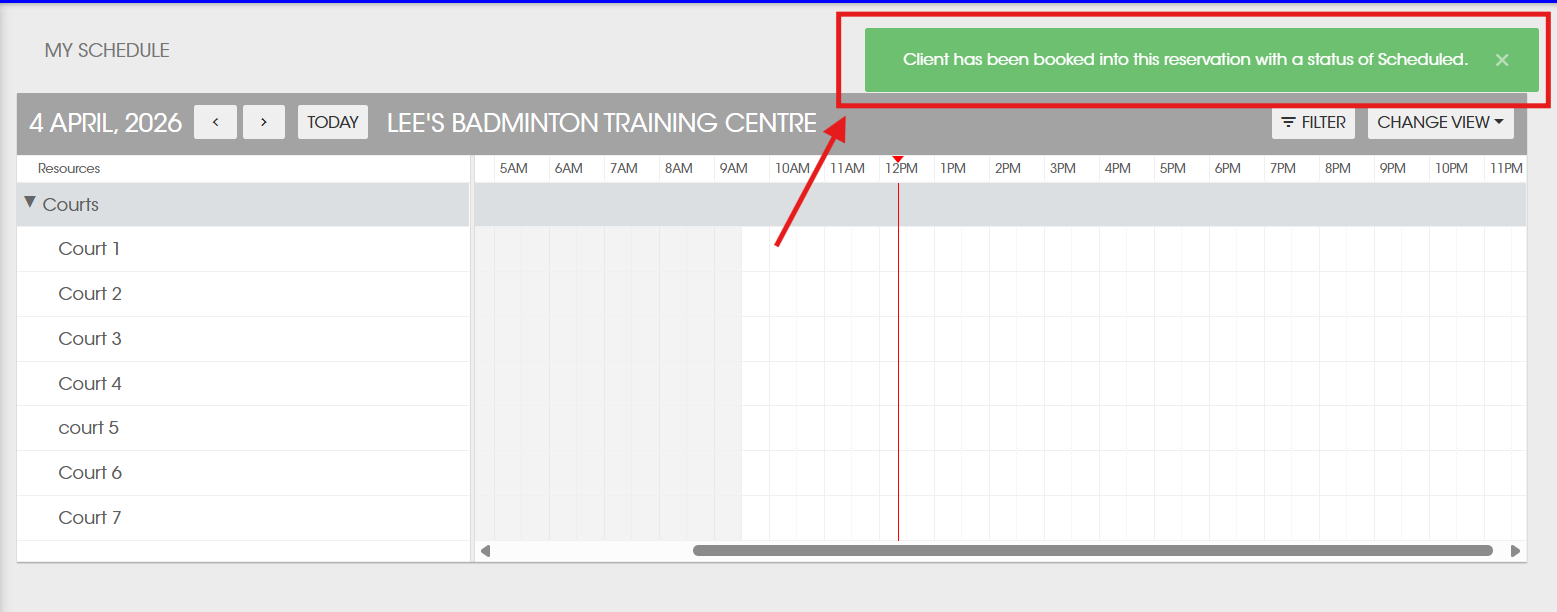
Your spot has been successfully reserved. You can view your booking under the My Schedule section.
Cancellation
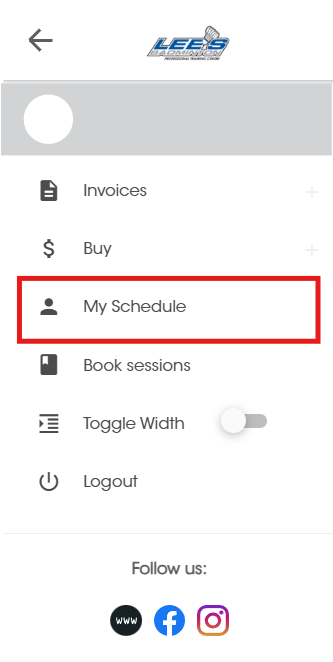
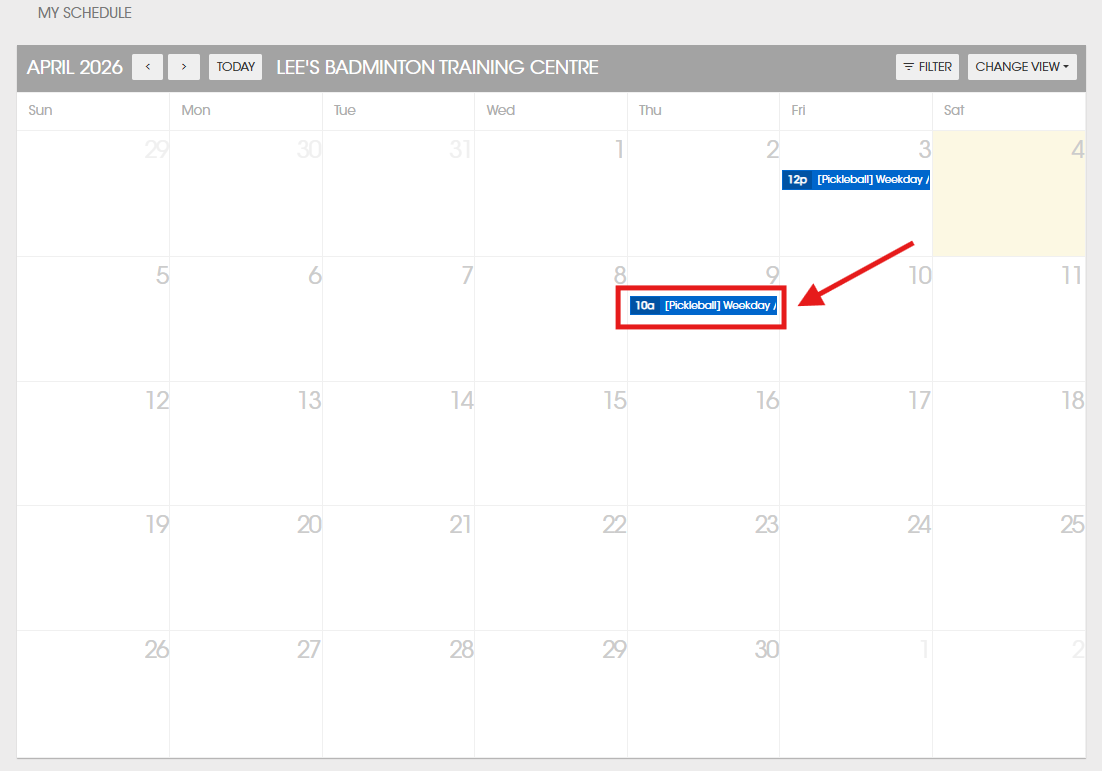
Click My Schedule
Click on the session you would like to cancel
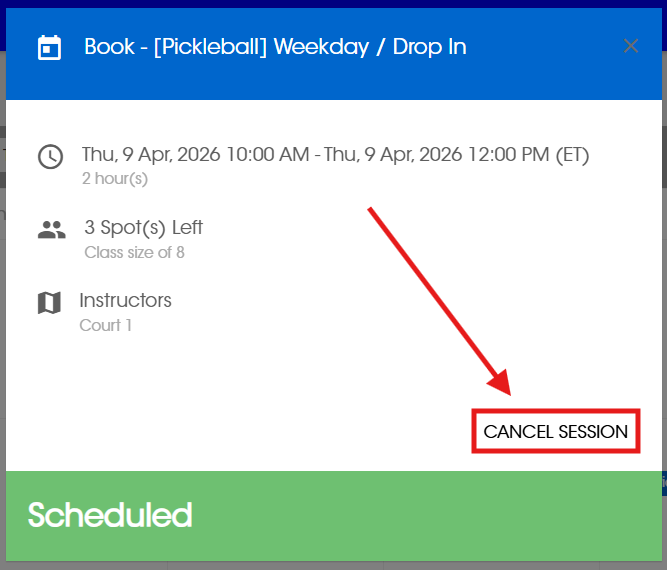
Click Cancel Session
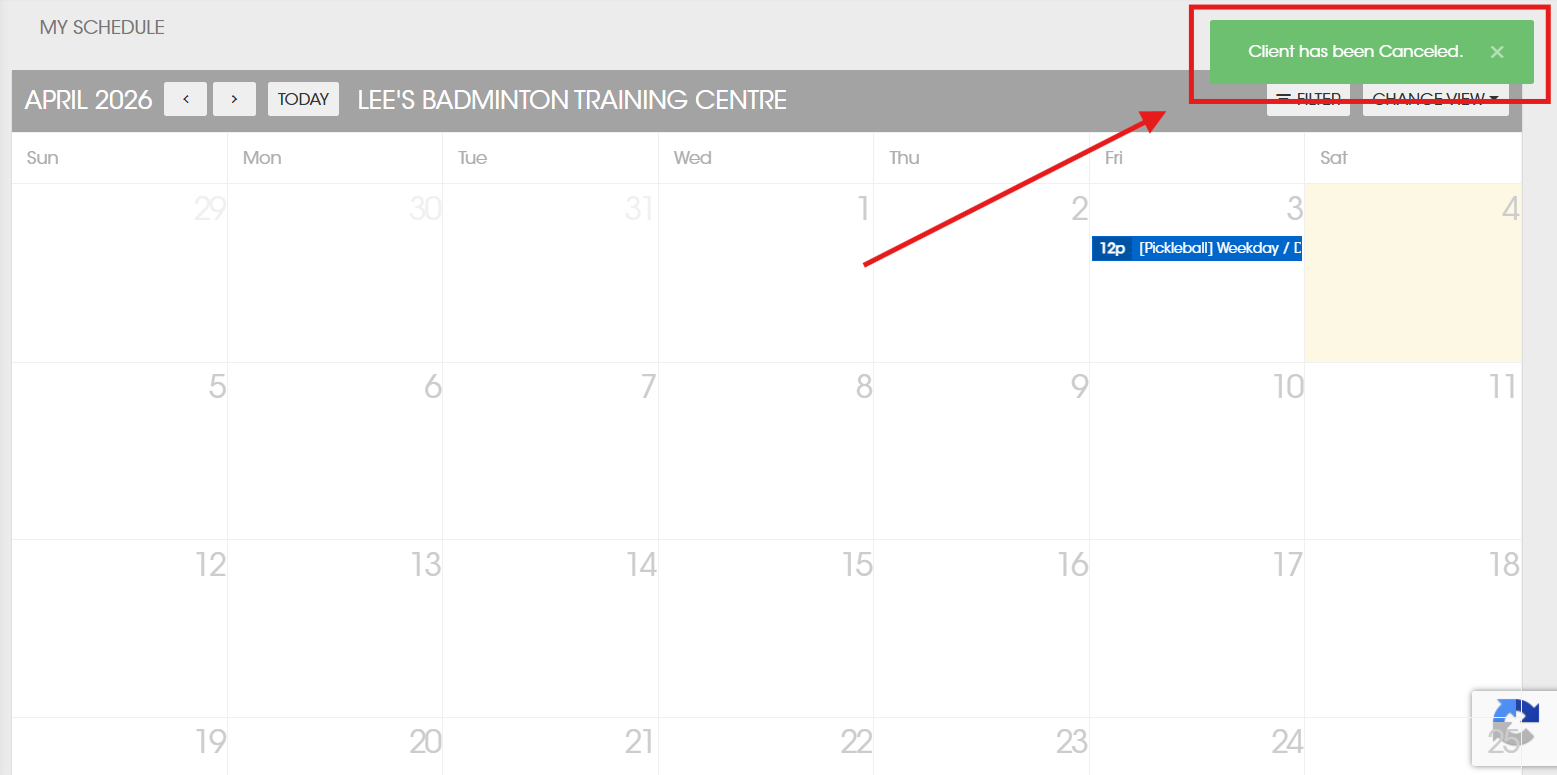
Your spot has been successfully cancelled.
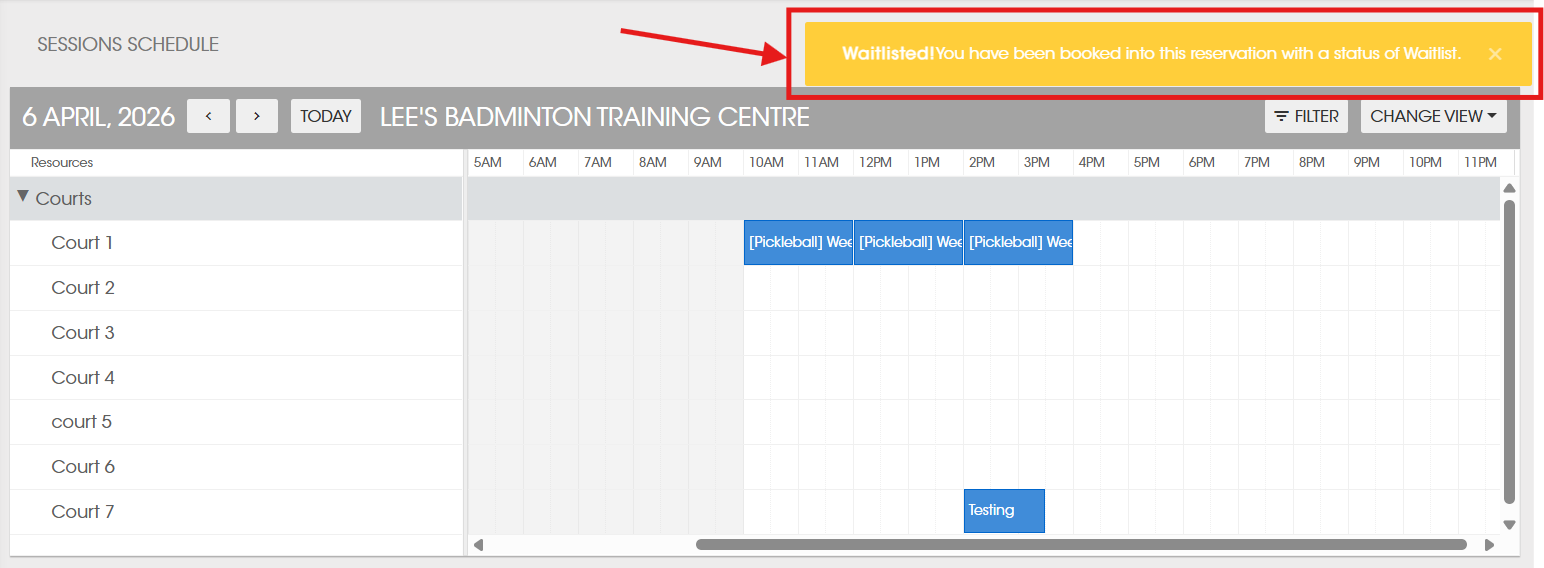
Waitlist
Click My Schedule
Click on the session you would like to join.
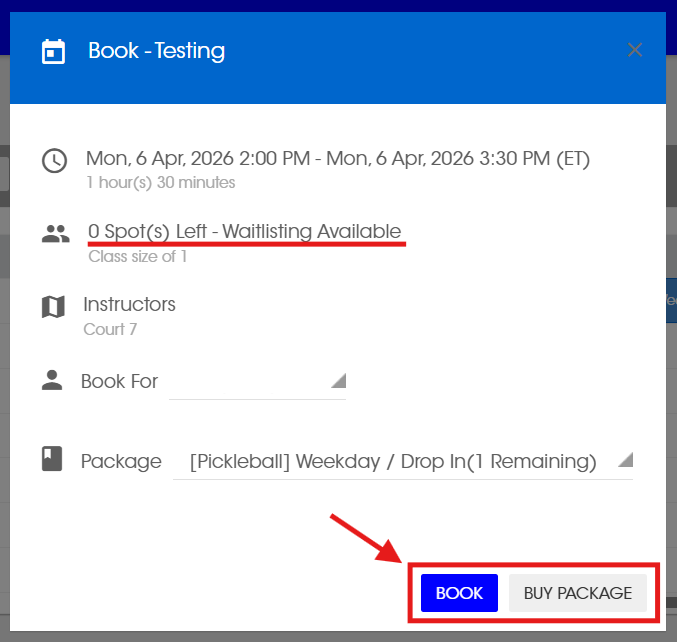
Click Buy package (1st time booking) OR Book
Customer on the waitlist will be automatically booked if there is a cancellation. You will be added in the order they waitlisted and receive an email notification.