


Online Self-booking User Guide
Home > Online Self-booking User Guide > Create account
Navigate to Lee’s self-service website.
https://leesbadmintonmarkham.ezfacility.com
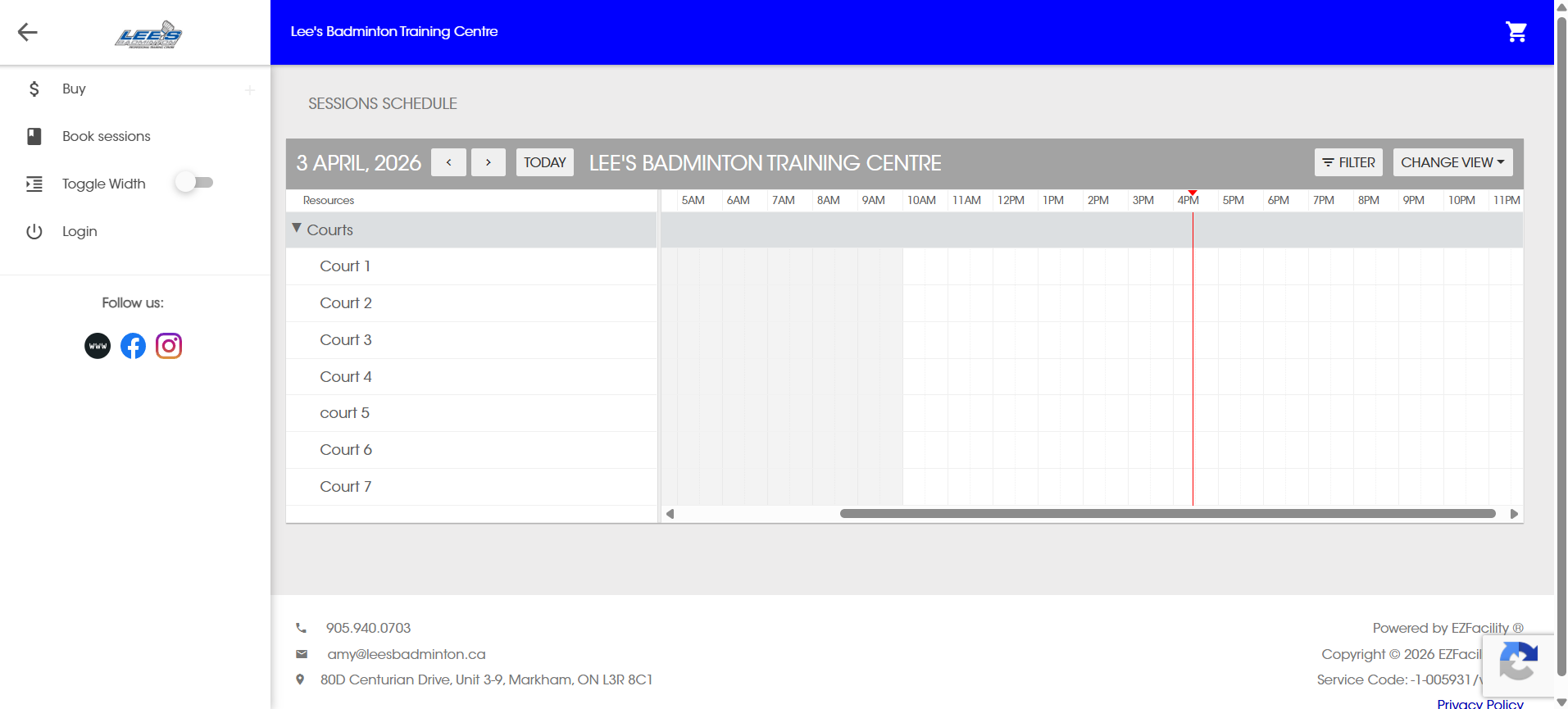
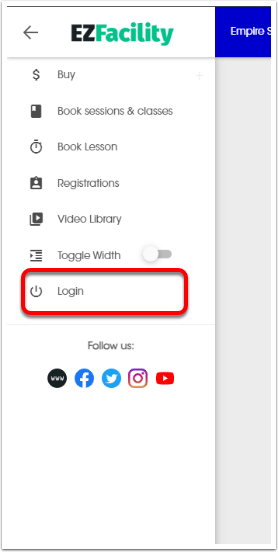
Click Login.
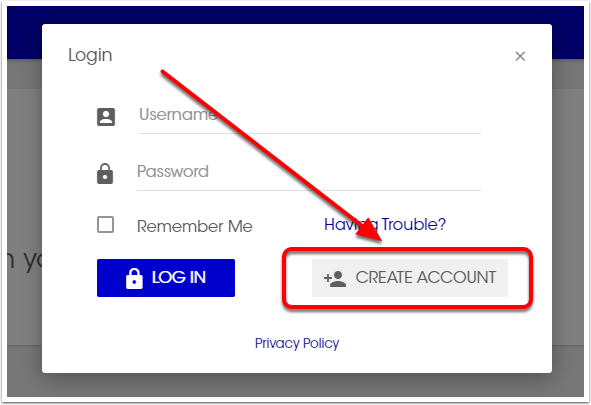
Click Create Account.
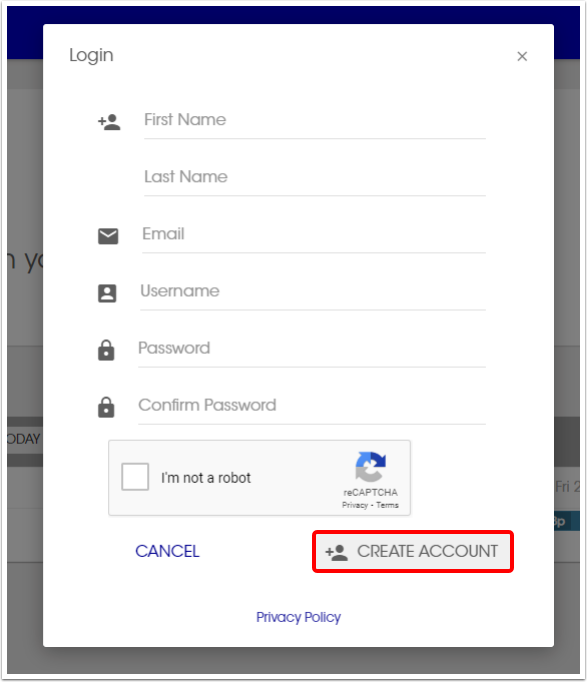
The minimum required information to create an account is: First Name, Last Name, Email, Username, Password. Once this information is filled out click Create Account.
Password must be between 8 and 100 characters long and requires at least one lowercase letter, one uppercase letter, and one number.
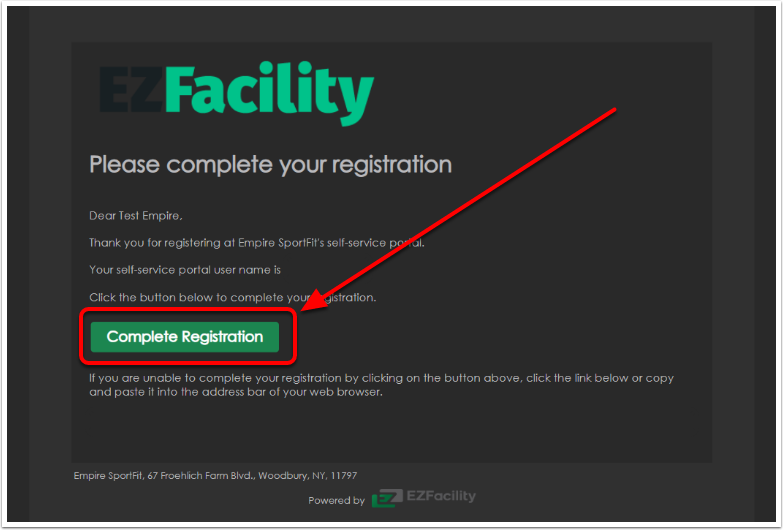
Next, navigate to your email. You will receive an email with the subject line "Registration Confirmation".
Click Complete Registration.
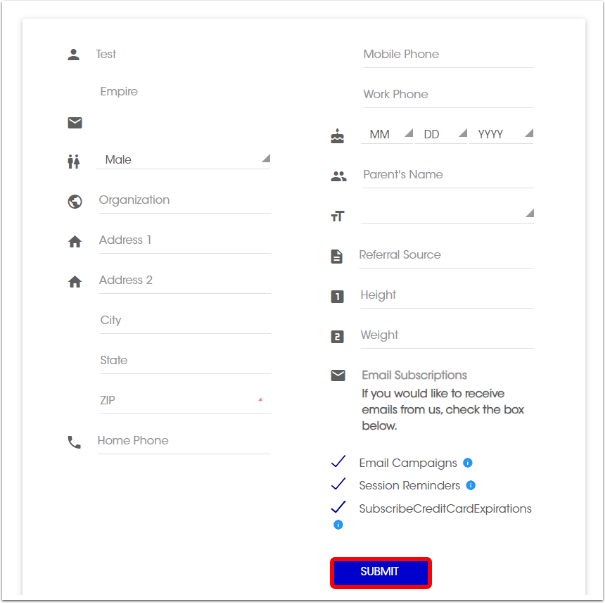
You will be taken to a registration page to fill out the rest of the required information. Any line with a red star will be a required field. Once you are done filling out the information click Submit.
You can now proceed to use the self-service portal.